

- Minimum age: 18 years (15+ for some account types)
- Who can apply: Saudi citizens and legal residents with a valid Iqama
- Open online: Via Al Rajhi Mobile App or official online channels
- Absher required: Yes, for identity verification
- Minimum deposit: No initial deposit required
- Debit card: Mada card available after account activation
- Updated: June 2026
Opening an Al Rajhi Bank account in Saudi Arabia is now a fully digital process for most customers. Whether you are a Saudi citizen, expatriate employee, student, or new resident, you can create an account through the Al Rajhi Mobile App without visiting a branch in many cases.
As the largest Islamic bank in Saudi Arabia, Al Rajhi Bank serves millions of customers and offers current accounts, savings accounts, financing solutions, debit cards, international transfers, and online banking services. In this 2026 guide, we explain the latest requirements, documents, step-by-step account opening process, debit card activation, beneficiary setup, and common problems applicants face.
If you are new to Saudi Arabia, you may first need to complete your residency process. See our guide to understand Iqama requirements.
Account Opening Requirements in 2026
| Requirement | Saudi Citizens | Expats |
|---|---|---|
| Minimum Age | 18 Years | 18 Years |
| Identification | National ID | Valid Iqama |
| Absher Verification | Required | Required |
| Saudi Mobile Number | Required | Required |
| National Address | Required | Required |
| Email Address | Required | Required |
| Initial Deposit | Not Required | Not Required |
What Documents Are Required?
Before starting your application, prepare the following:
- Valid National ID or Iqama
- Active Saudi mobile number
- Registered National Address
- Active Absher account
- Email address
- Employment and income details
If you have not yet activated Absher, read our guide on creating and activating an Absher account
What Types of Accounts Does Al Rajhi Offer?
Current Account
The Current Account is the most popular option. It includes:
- Free online banking
- Local and international transfers
- Mada debit card
- Salary deposits
- SADAD bill payments
Monthly fee: Free
Savings Account
The Savings Account is designed for customers who want to save money while maintaining easy access to their funds.
Features include:
- Profit-sharing based on Islamic banking principles
- Online account management
- Easy transfers between accounts
Monthly fee: Free
Business Account
Business owners can open specialized accounts for:
- Payroll management
- SME transactions
- Supplier payments
- Multi-user access
Business account requirements vary depending on company structure.
Major 2026 Update: What Changed?
Several improvements have been introduced during the past year:
- Faster digital verification through Nafath and Absher
- Improved Al Rajhi Mobile App onboarding
- Enhanced security features for online account opening
- Better integration with Saudi National Address services
- Streamlined digital Mada card issuance
These updates have reduced account opening time significantly for both Saudis and residents.
How to Open an Al Rajhi Bank Account Online
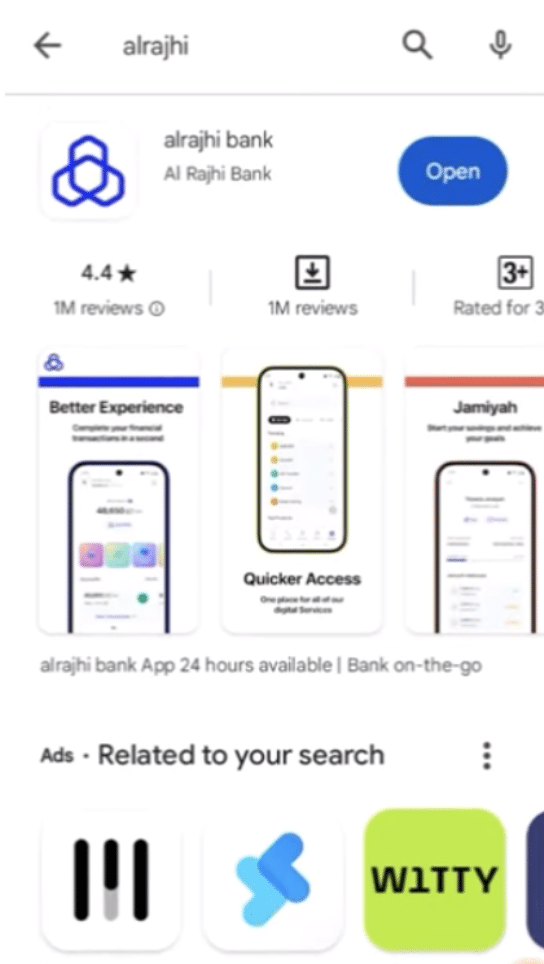
Step 1: Download the Al Rajhi Mobile App
Download the official Al Rajhi Mobile application from:
- Google Play Store
- Apple App Store
Step 2: Select New Account
Open the app.
Tap:
New Account
Review and accept the terms and conditions.
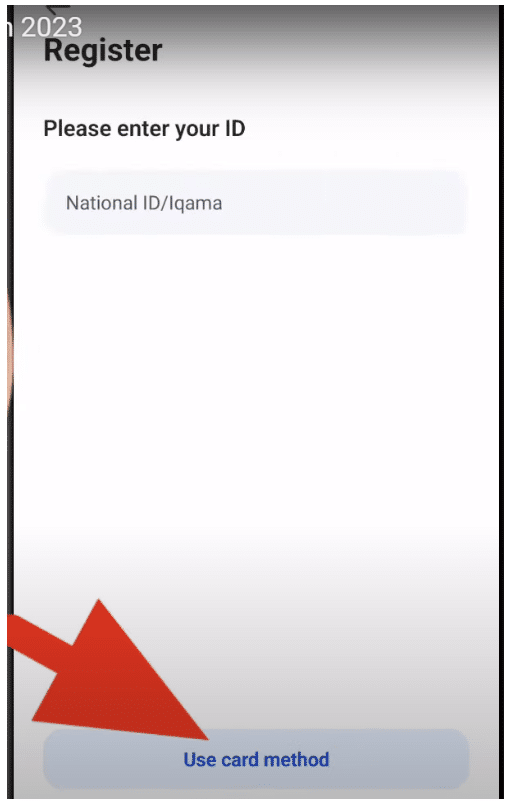
Step 3: Enter Identity Details
Provide:
- National ID or Iqama number
- Mobile number linked to Absher
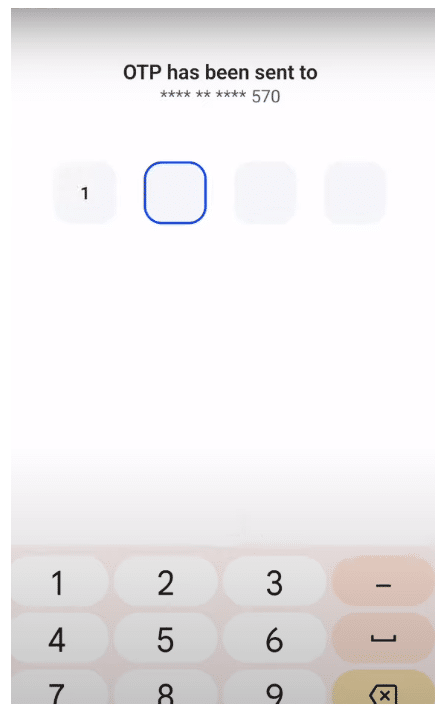
An SMS verification code will be sent.
Step 4: Complete Personal Information
Enter:
- Full name
- Date of birth
- Place of birth
- Employment information
- Income source
- Monthly salary
Step 5: FATCA and CRS Declaration
Customers must complete tax compliance declarations required under international regulations.
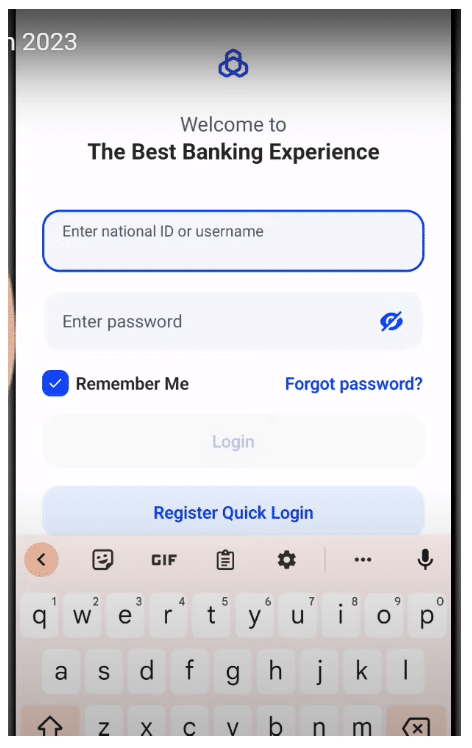
Step 6: Create Login Credentials
Create:
- Username
- Password
- Email address
Step 7: Receive Account Number and IBAN
Once approved, your:
- Account Number
- IBAN
will be sent via SMS.
Your account is now active.
How Long Does Approval Take?
Most applications are approved within minutes.
In some situations, manual verification may take:
- Several hours
- One business day
Applications with incomplete information may require additional review.
How to Activate Your Mada Debit Card
After receiving your card:
- Open the Al Rajhi App
- Select Cards
- Tap Card Activation
- Enter a new PIN
- Confirm the PIN
Your Mada card becomes active immediately.
How to Activate Beneficiaries Online
Beneficiary activation allows local and international transfers.
Local Transfers
- Select Transfer
- Add beneficiary
- Verify beneficiary
- Complete activation
Many transfers within Al Rajhi are free.
International Transfers
International transfers generally incur fees depending on destination and transfer method.
Many expatriates use Al Rajhi for overseas remittances because of its large international banking network.
How to Activate Al Rajhi Phone Banking
Phone banking remains available 24/7.
Dial:
920003344
Then:
- Choose language
- Press 0
- Press 1 for registration
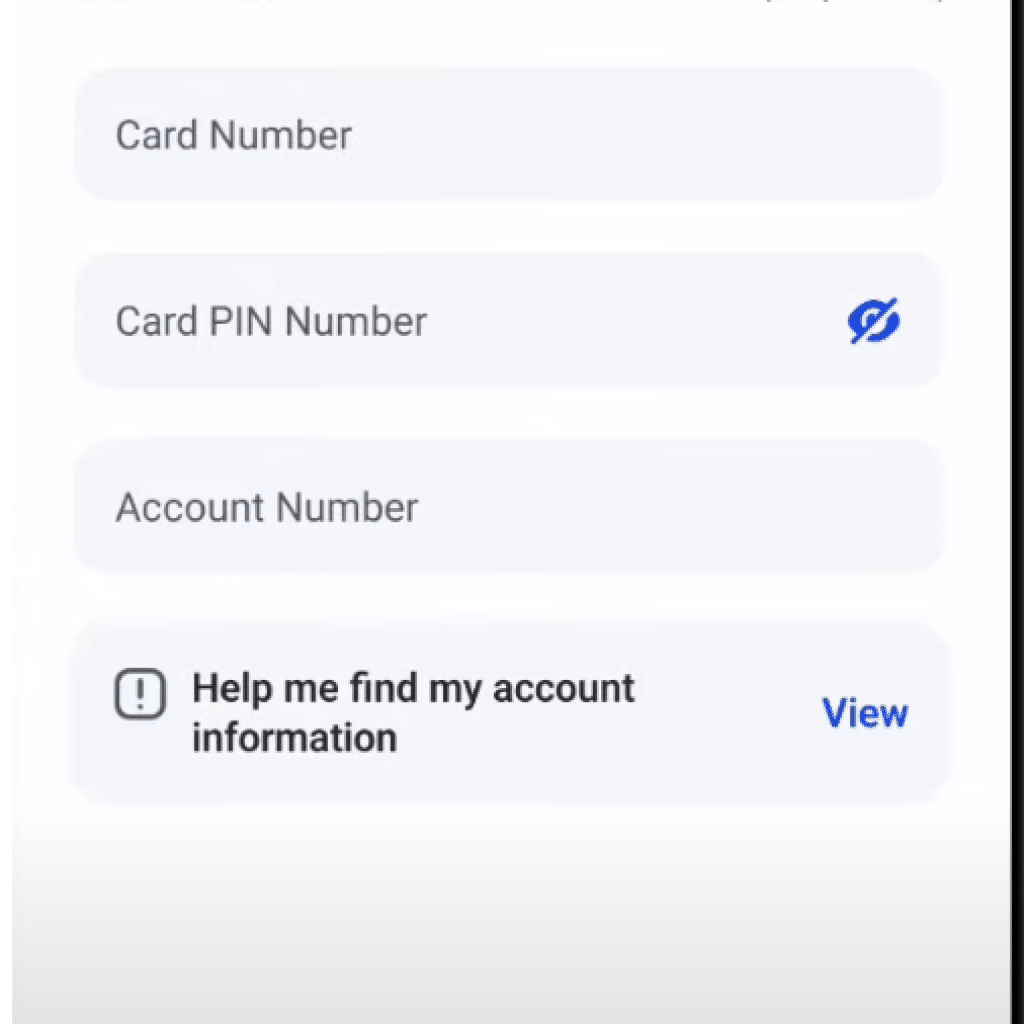
You will need:
- Debit card number
- Account details
- ATM PIN
Phone banking allows:
- Balance inquiries
- Bill payments
- Fund transfers
- Government payments
- SADAD payments
Can You Apply for Financing Through the App?
Yes.
Eligible customers can apply for:
- Personal financing
- Auto financing
- Home financing
Financing amounts may reach SAR 2 million depending on eligibility and approval.
Common Problems When Opening an Al Rajhi Account
Absher Verification Failed
Usually caused by:
- Expired Iqama
- Incorrect mobile number
- Outdated Absher records
National Address Not Found
Ensure your National Address registration is active and updated.
Mobile Number Mismatch
The mobile number used during registration must match the number registered in Absher.
Why Expats Prefer Al Rajhi Bank
Al Rajhi remains one of the most popular banks among expatriates because:
- Large branch network
- English-language support
- Competitive remittance services
- Strong mobile banking platform
- Extensive ATM coverage
Employees who recently arrived in Saudi Arabia often open an Al Rajhi account shortly after receiving their Iqama.
Frequently Asked Questions
Yes. Expats with a valid Iqama, Absher registration, National Address, and Saudi mobile number can open an account online.
No. There is no minimum deposit requirement for opening a standard account online.
Yes. Al Rajhi Bank is regulated by the Saudi Central Bank (SAMA) and is one of the largest Islamic banks in the world.
Yes. Salary transfers and payroll deposits are supported.
Yes. Debit card activation can be completed directly through the Al Rajhi Mobile App.
Many applications are approved within minutes after successful verification.
Conclusion
Opening an Al Rajhi Bank account online in Saudi Arabia is simpler than ever in 2026. With digital verification through Absher, no minimum deposit requirement, and fast account approval, both Saudi citizens and expatriates can start banking within minutes.
The Al Rajhi Mobile App allows customers to open accounts, activate debit cards, transfer money, apply for financing, and manage daily banking activities without visiting a branch. For most residents, it remains one of the easiest and most trusted banking options in the Kingdom.
DISCLAIMER: The images showcased on this page are the property of their respective owners. We provide credit and sources wherever possible. However, If you find that your image is displayed on this blog without authorization, please get in touch with us with the relevant details and a link to the image, and we will promptly address your concerns.

As a children’s book author, I find joy in crafting imaginative tales. I contribute articles to Saudi Scoop and share my thoughts on my personal blog. My proudest moment? Became an Amazon #1 bestseller with my debut book, “It’s the Moon- My First Book Of Islamic Months,” published by Little Hibba in the UK.